How to Get Started

Start using imenu.my in 3 simple steps.

1. Choose a POS Device

Use your phone or an Android tablet or desktop to manage orders and daily operations.
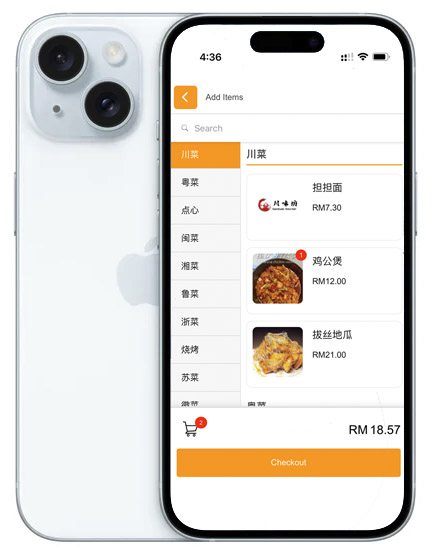
Your Phone (iPhone or Android)
FREE
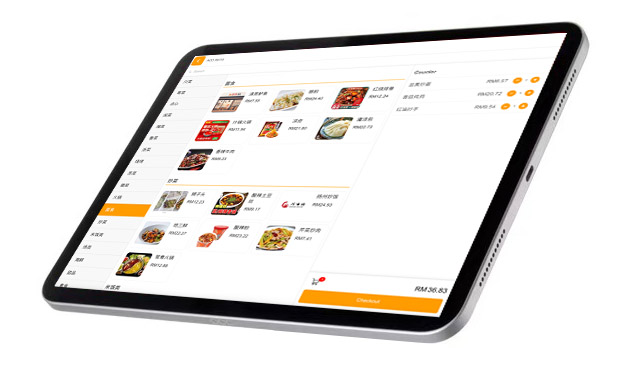
Your Tablet (iPad or Android)
FREE
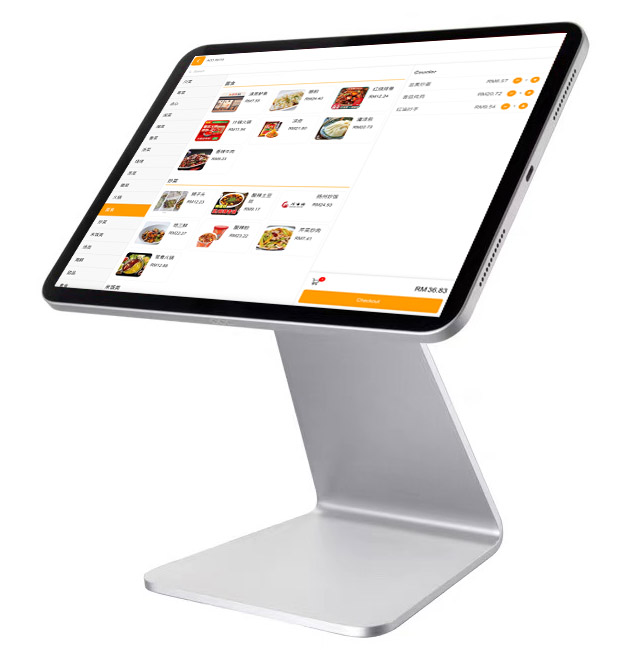
10.6" Tablet
RM499 Buy
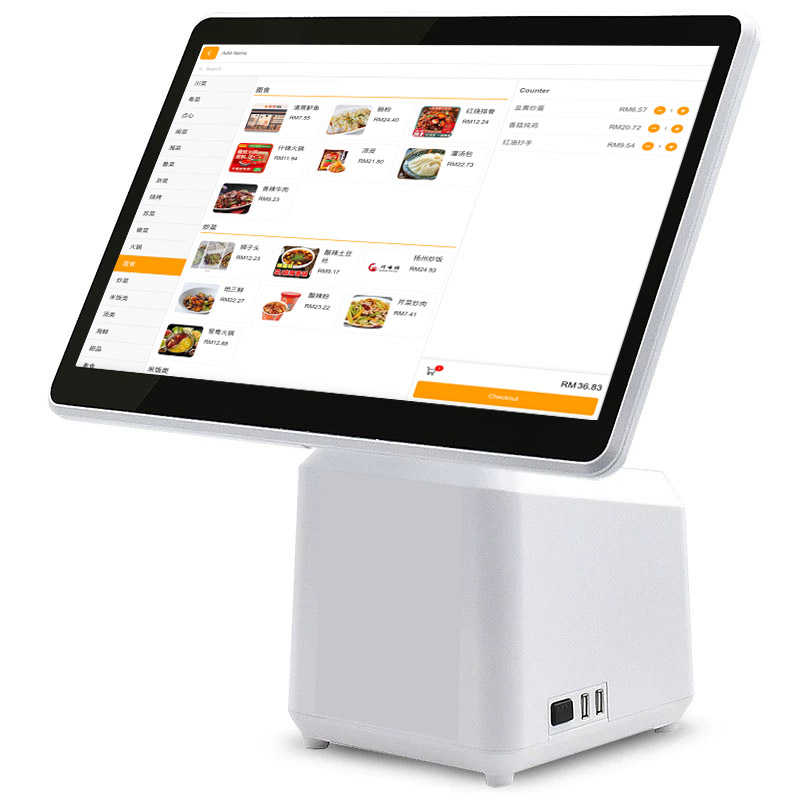
14" Desktop
RM599 Buy

*Already have a tablet? You can use your own iPad or Android device.

2. Choose a Printer

Select a POS counter printer based on your workflow.
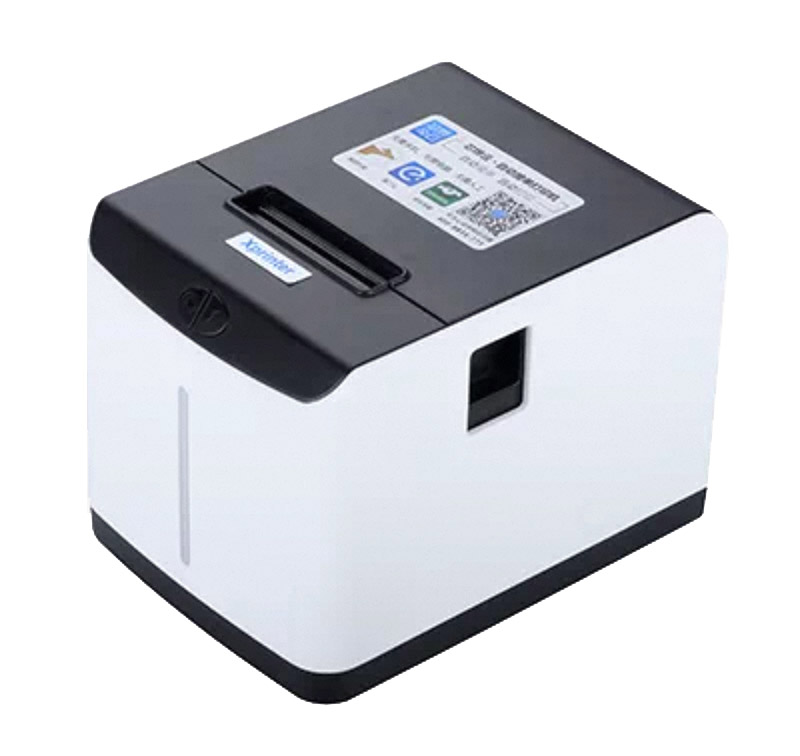
60mm Receipt Printer
RM199 Buy
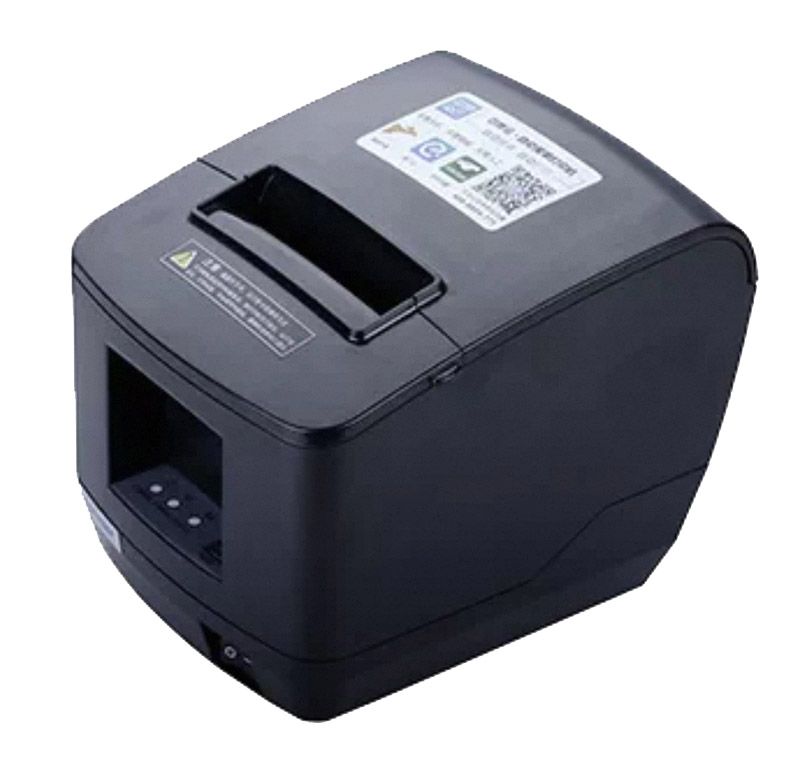
80mm Receipt Printer (Auto-Cut)
RM499 Buy
80mm Kitchen Printer (optional)
RM499 Buy

*Kitchen printing is only available on Pro and Business plans.

3. Choose a Software Plan

Pick a plan that fits your restaurant or food stall.


Plans start from RM9.9 / month

View Plans

Simple & Transparent Pricing

Affordable plans with reliable support β€” choose what fits your restaurant.

Lite

RM9.9/month

Essential POS for small stalls and cafΓ©s

  • βœ” Point of Sale (POS)
  • βœ” QR Ordering
  • βœ” Menu, Combo & Add-ons
  • βœ” Table (Layout) Management
  • βœ” POS Printing
  • βœ” Sales Reports
  • βœ” Payment Support (external)
  • βœ” Multi-language
  • βœ” Up to 3 Staff Accounts
  • βœ” Self-Setup (Video Guides)
  • βœ” Online Support
Get Started

Business

RM99/month

Extra support and control for growing multi-outlet business

  • βœ” Everything in Pro
  • βœ” Multi-Outlet Support
  • βœ” Centralised Reporting
  • βœ” Loyalty Program
  • βœ” Unlimited POS Terminals
  • βœ” Unlimited Staff Accounts
  • βœ” Dedicated Setup Assistance
  • βœ” Phone & Priority Support
  • βž• Early access to new features
Start Business Plan

Choose Your Plan

Simple pricing. Upgrade when you’re ready.

Features Lite Pro Business
Point of Sale (POS) βœ” βœ” βœ”
QR Ordering βœ” βœ” βœ”
Menu, Combo & Add-ons βœ” βœ” βœ”
Table Management βœ” βœ” βœ”
POS Printing (Counter) βœ” βœ” βœ”
Kitchen Auto Printing β€” βœ” βœ”
Kitchen Display System (KDS) β€” β€” βœ”
Sub POS / Staff Ordering β€” βœ” βœ”
Payment Support Cash / External QR / Payment Terminal Cash / External QR / Payment Terminal Cash / External QR / Payment Terminal
Multi-Outlet Support β€” β€” βœ”
Sales Reports Basic Advanced Advanced
Loyalty Program β€” β€” βœ”
Setup Assistance Self-setup Assisted Dedicated
Support Level Online Priority Online Phone + Priority
Get Started Start Pro Start Business

Frequently Asked Questions

imenu.my is compatible with devices running on iOS or Android.

You can use iPads or tablets (recommended), as well as smartphones.

Desktop or laptop computers are supported when used with a touchscreen monitor, allowing smooth order handling in a POS environment.

No special POS hardware is required.

Kitchen printing reliability depends heavily on printer models, network setup, and firmware.

To provide reliable daily operations and proper after-sales support, imenu.my only supports printers that we provide and test.

All plans are month-to-month with no minimum commitment. You can cancel at any time.

Yes. You can upgrade or downgrade your plan as your business grows. Many customers start with Starter and upgrade to Pro when they need more functions.

No. imenu.my pricing is transparent and straightforward.

You only pay for your selected plan. There are no setup fees, no activation fees, and no surprise charges.

imenu.my is designed to focus on what restaurants actually need β€” stable daily operations, simple workflows, and reliable support.

By avoiding unnecessary hardware, complex licensing, and bloated features, we are able to keep costs low without sacrificing reliability.

This allows us to offer a POS system that is affordable, practical, and sustainable for small and medium restaurants.